Download a compliance pack
One PDF with a summary and every certificate, for insurers, agents and the register.
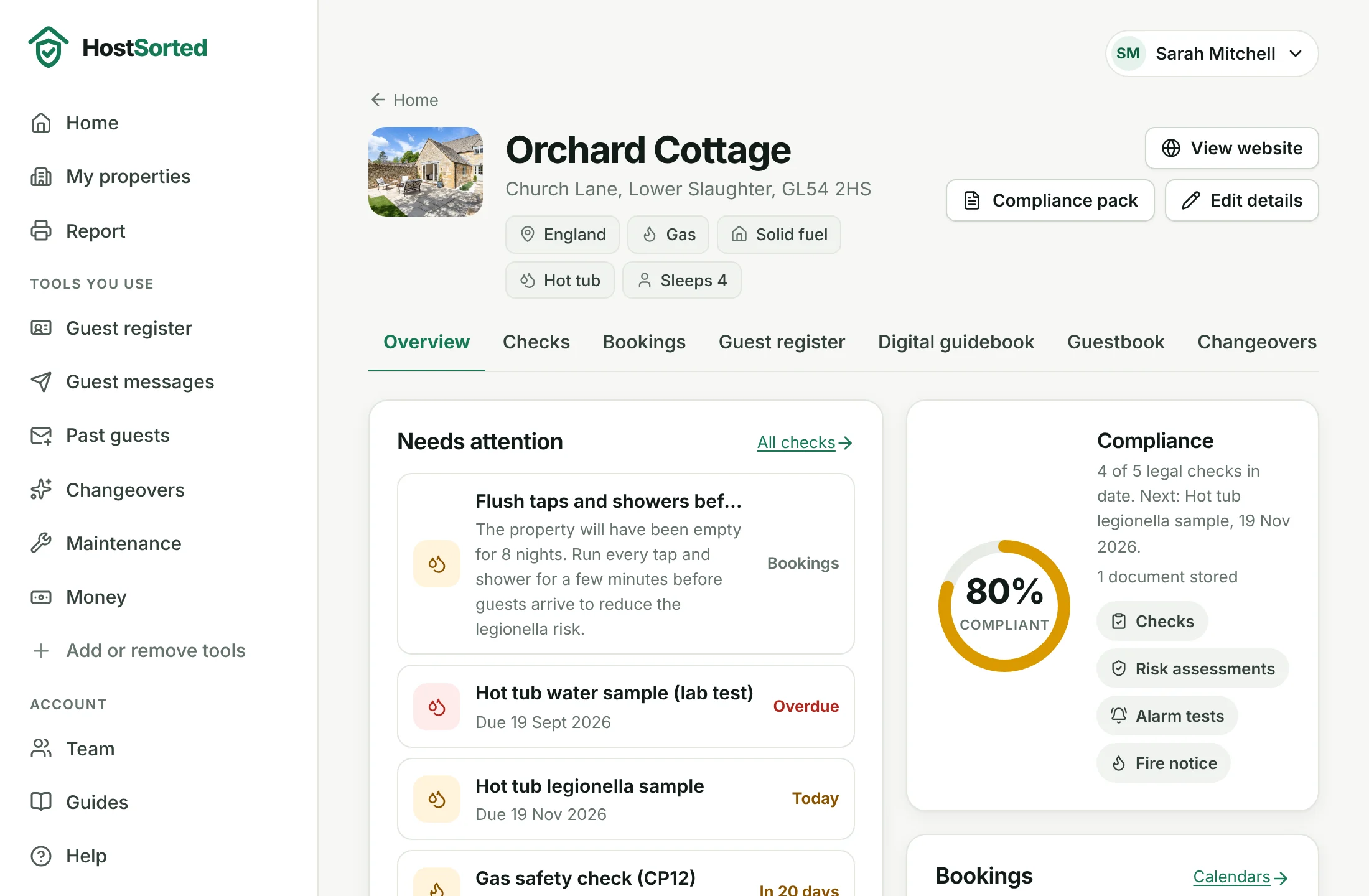
- Open the property.
- Click Compliance pack at the top.
- The PDF opens with a summary page of every check, its dates, status and certificate number, followed by every certificate you have uploaded.
- Save it or send it to whoever needs it.
Good to know
- Upload certificates to each check first, so they are included.
- Fire and legionella risk assessments written with the builder are included automatically. A general risk assessment is not part of the pack: download its PDF from Risk assessments.
- If a certificate can't be added (for example a password-protected PDF), it is marked "not included" in the contents list.
Screenshots show a sample account with made-up properties. Still stuck? Email [email protected] and we'll help.