Delete your account
Remove your account and everything in it.
- Export your data first if you want to keep a copy.
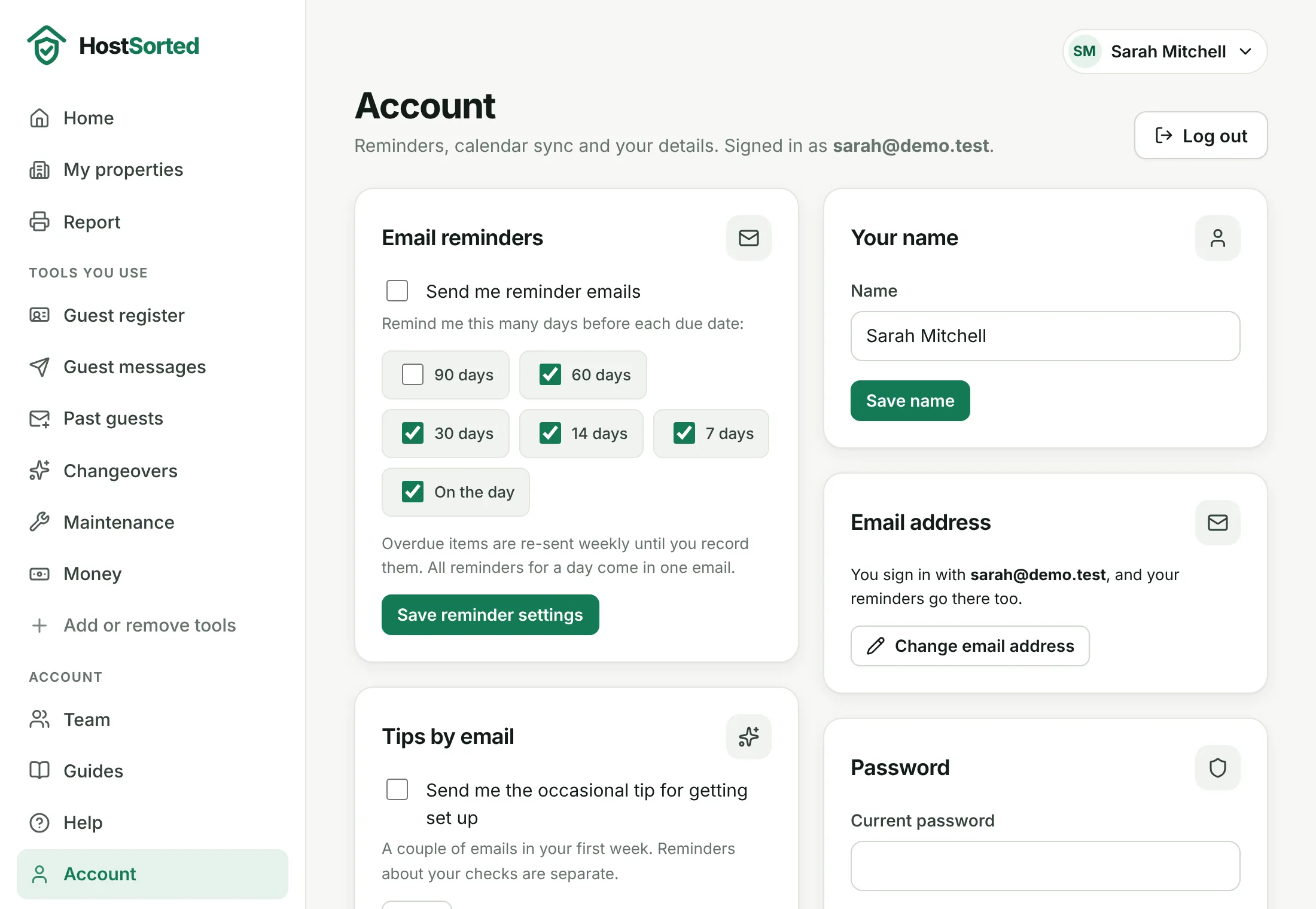
- Go to Account and scroll to Delete account.
- Enter your password and confirm.
Good to know
- This deletes every property, record and document, cancels any subscription, and removes access for anyone you invited. It can't be undone.
Screenshots show a sample account with made-up properties. Still stuck? Email [email protected] and we'll help.