Share your digital guidebook
QR poster, link and printable copy.
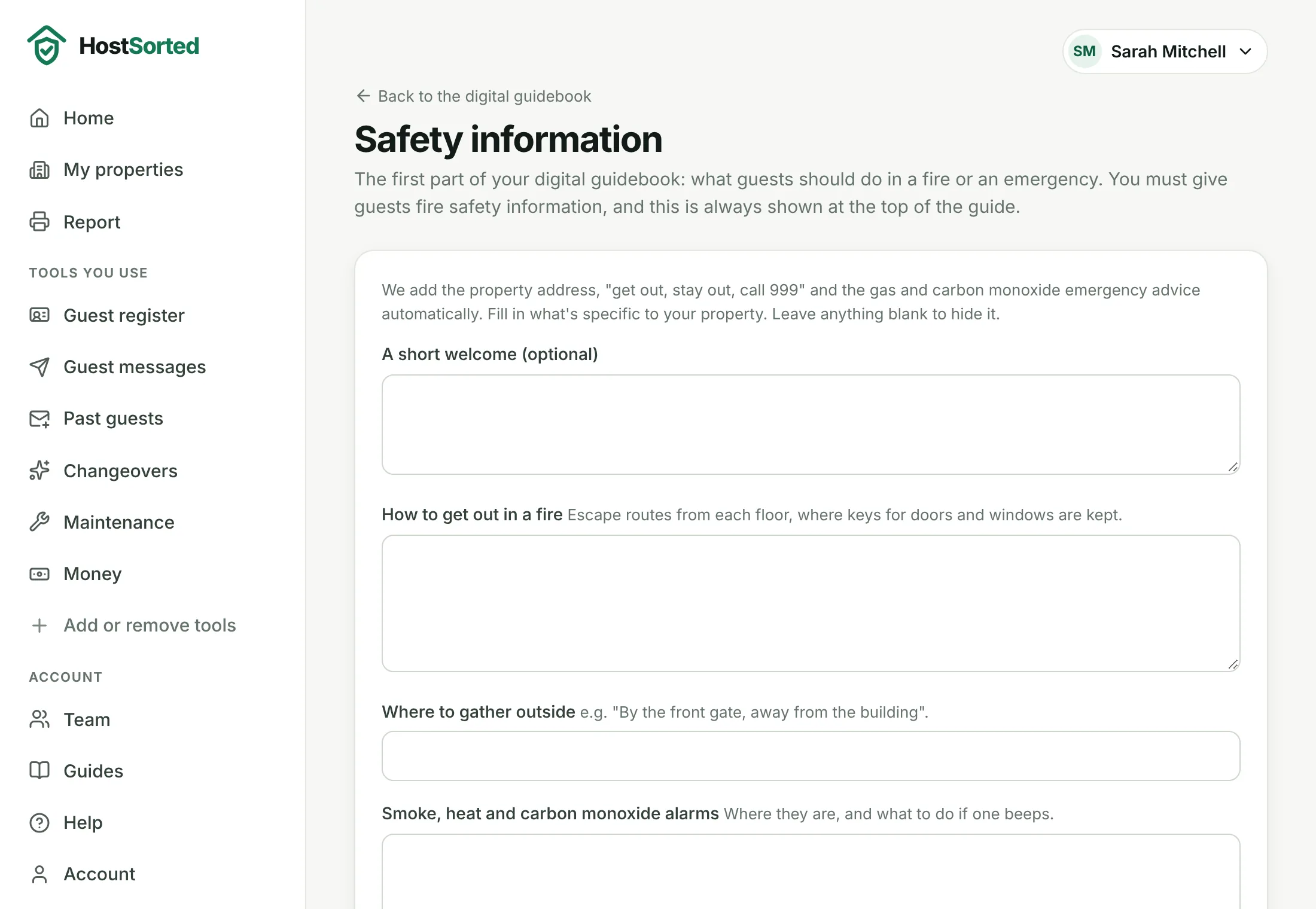
- On the Digital guidebook page, click QR poster and print it for the welcome folder or fridge.
- Click Copy link to paste the guide into booking confirmations or check-in messages.
- Click Printable copy for a full printed version.
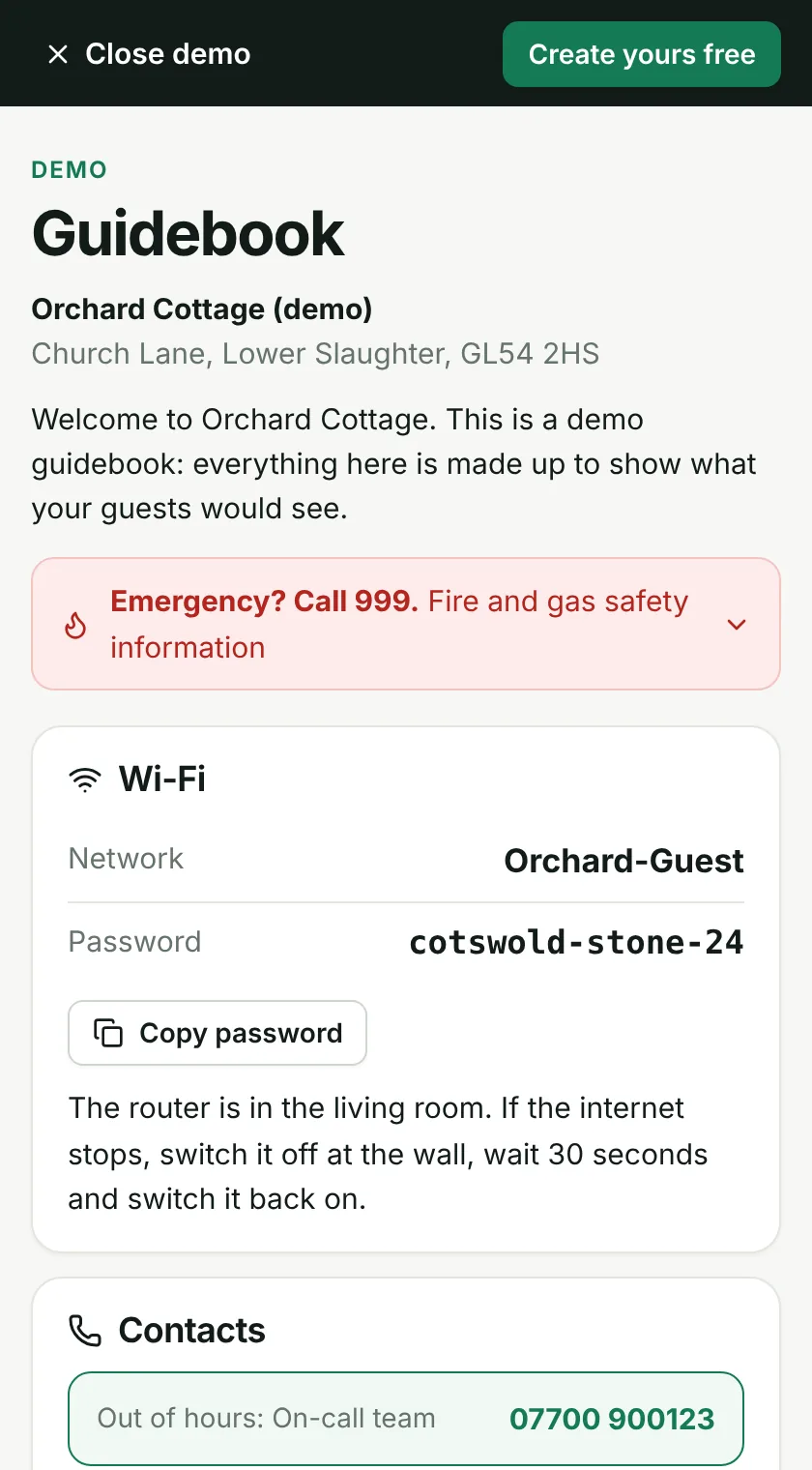
- Click View as a guest to see exactly what guests see.
Good to know
- Changes show straight away: there's no need to reprint the poster.
- If the link has been shared too widely, click New link. The old link and posters stop working, so print the new poster.
- Switch off takes the guide offline completely.
Screenshots show a sample account with made-up properties. Still stuck? Email [email protected] and we'll help.