Add your first property
Tell HostSorted what your property has and it builds the checklist for you.
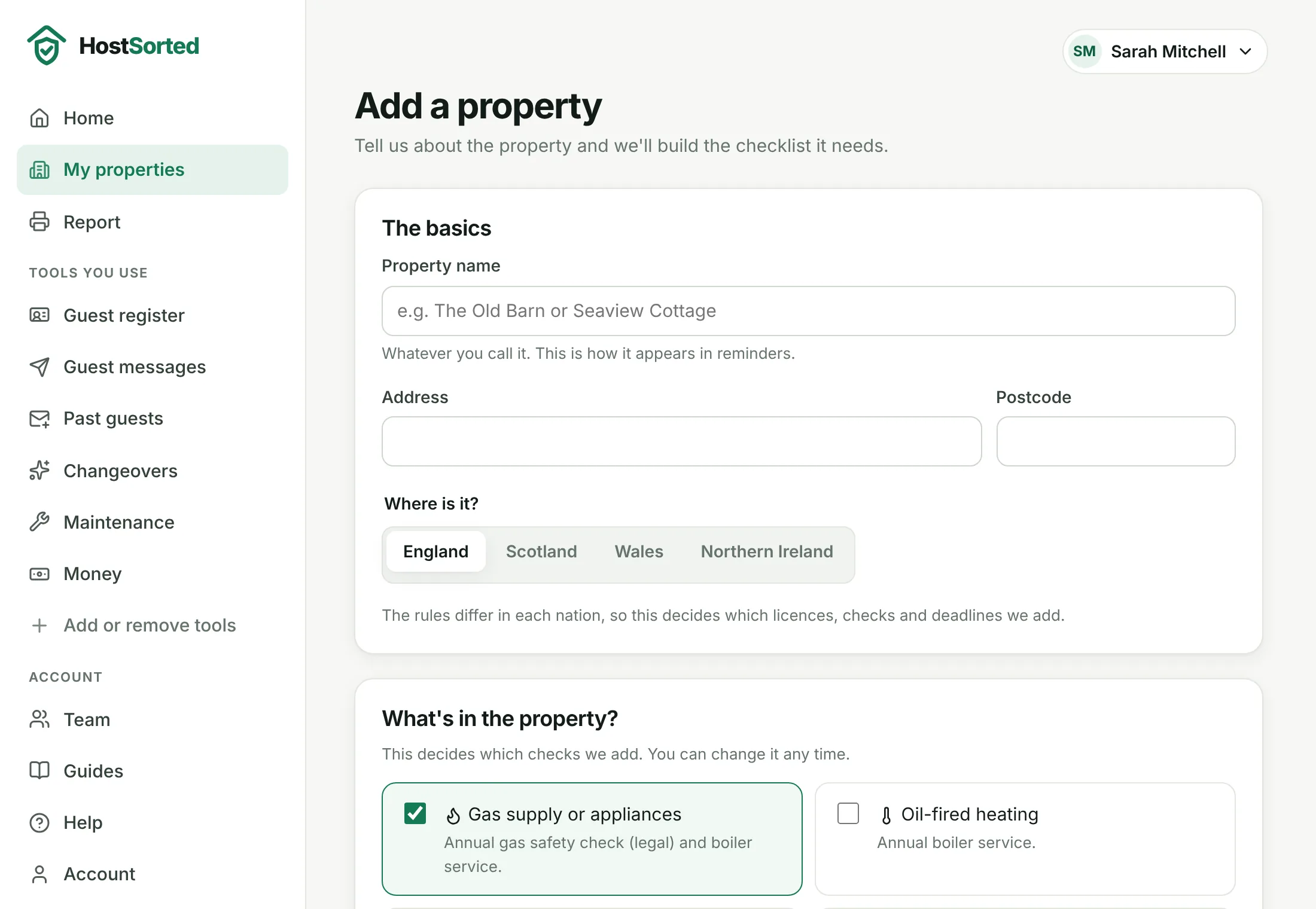
- Click Add property on Home.
- Give it a name you will recognise, like "Harbour View" or "Flat 2", and add the address and postcode.
- Tick what the property has: gas, oil, a wood burner or open fire, a hot tub, whether it is in London, and whether you let it for more than a short season.
- Enter how many guests it sleeps and click Save.
- HostSorted adds every check that applies. Next, add the dates from your latest certificates.
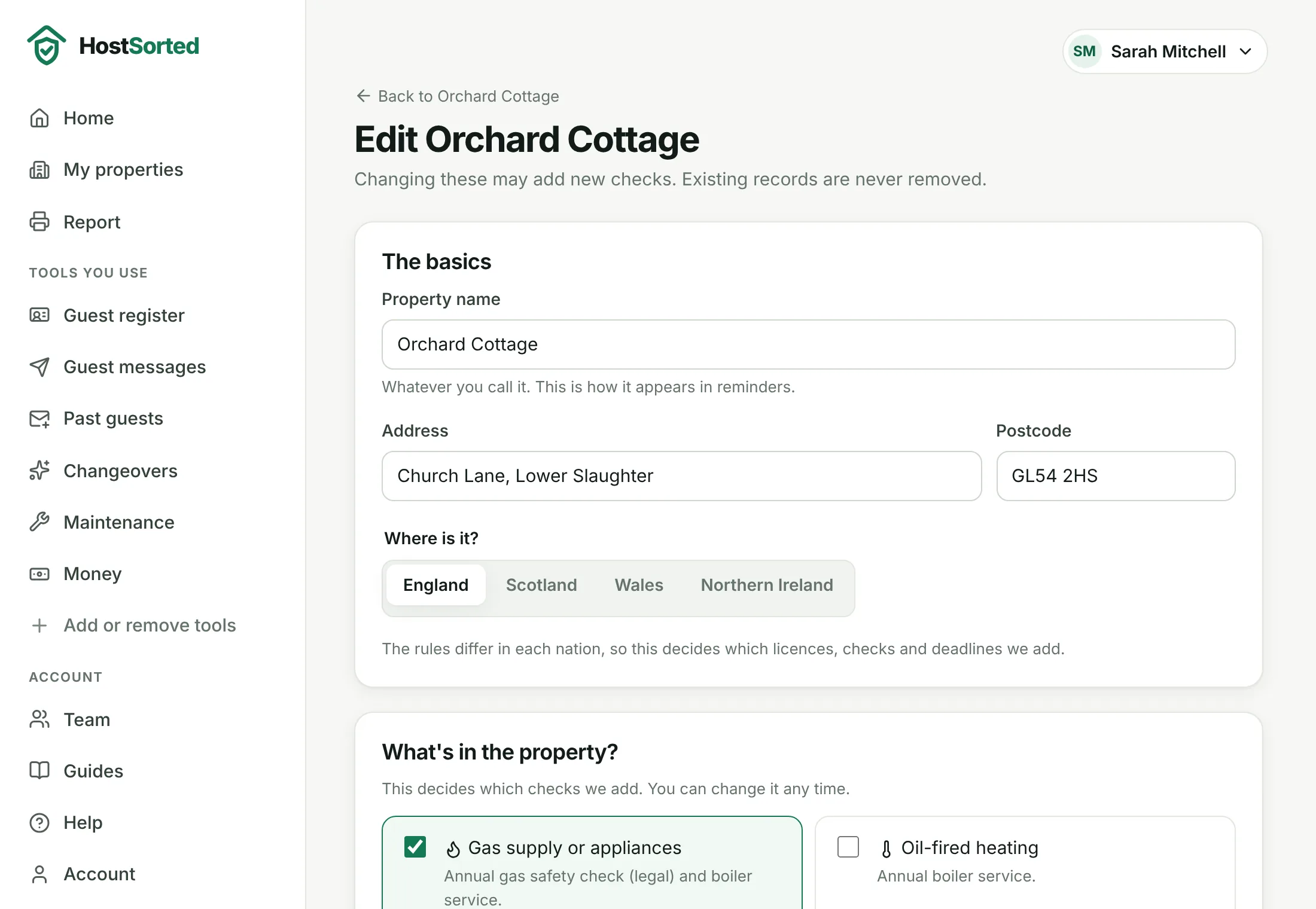
Good to know
- You can change these details any time from Edit property. New checks are added automatically if they now apply; nothing is removed.
Screenshots show a sample account with made-up properties. Still stuck? Email [email protected] and we'll help.