Understand your checklist and score
What the labels, statuses and compliance score mean.
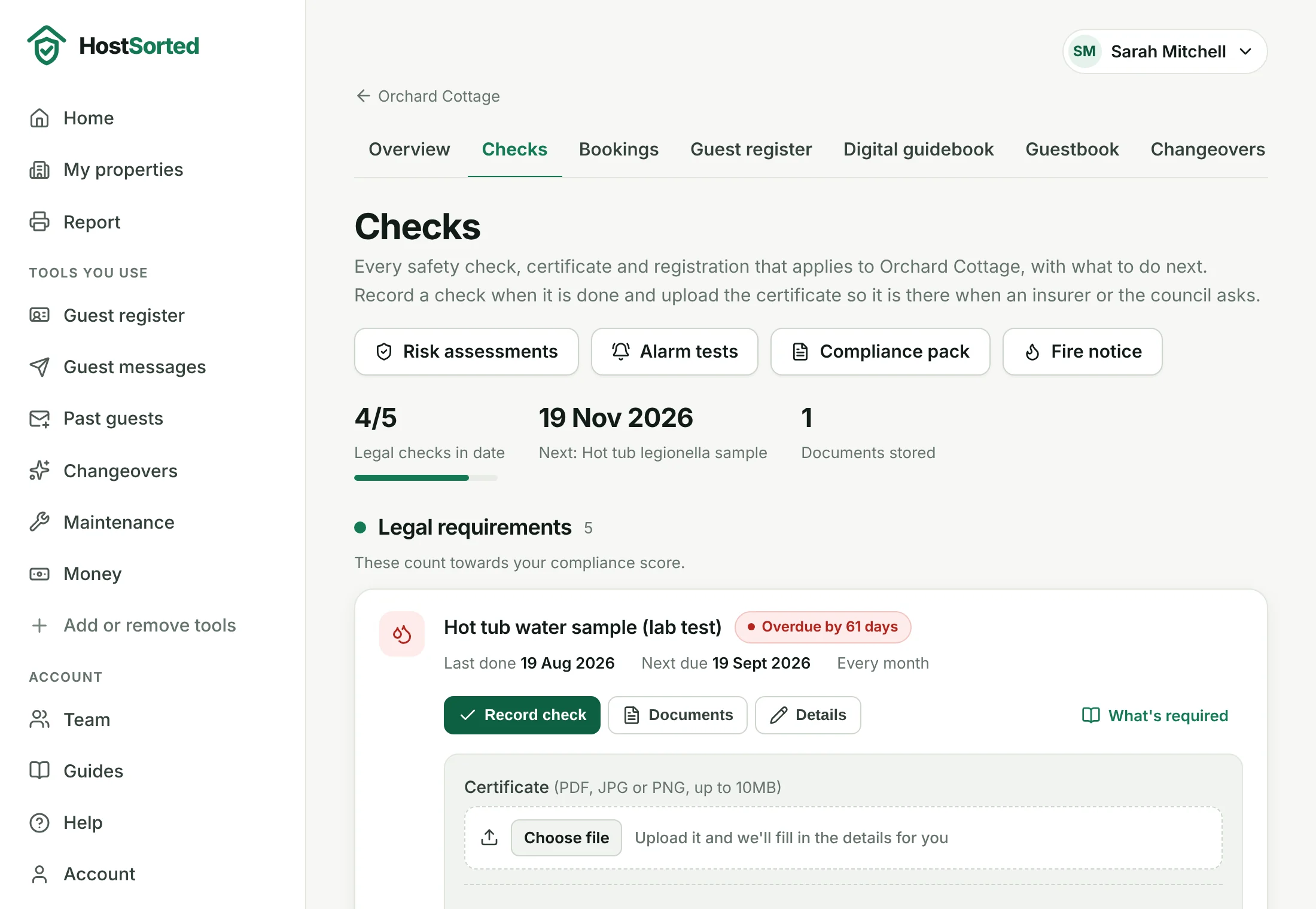
- Open a property and click the Checks tab. It groups checks into Legal requirements, Expected by insurers and the register, Recommended, and Coming soon.
- Each check shows a status: Up to date, Due in X days, Overdue, Date needed (no date recorded yet) or Not open yet.
- Your compliance score counts only legal requirements, and shows how many are in date across all your properties.
- One check is a running count rather than a date: the London 90-night limit shows the nights booked this calendar year from your linked calendars, turns amber at 75 and red at 90, and resets on 1 January. There is nothing to record or upload for it.
- Click What's required on any check to read the full guide to that rule.
- The fire and legionella risk assessments can be written inside HostSorted: click Write it here on either check, or Risk assessments at the top of the page.
Good to know
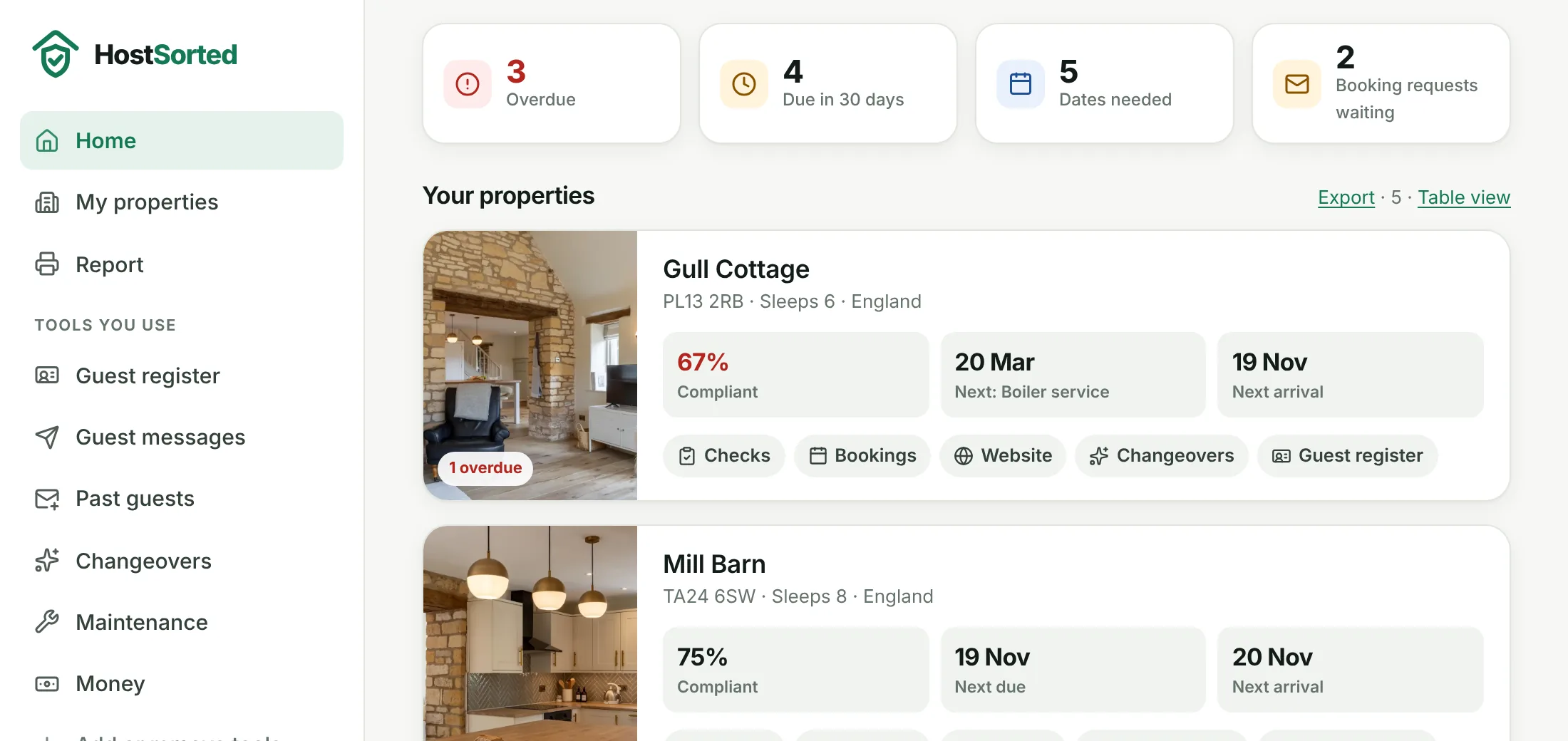
- A check marked Date needed is not necessarily missing in real life. It just means HostSorted doesn't know when it was last done. Add the date and it can remind you.
Screenshots show a sample account with made-up properties. Still stuck? Email [email protected] and we'll help.