Add due dates to your calendar
See every due date in Google, Outlook or Apple Calendar.
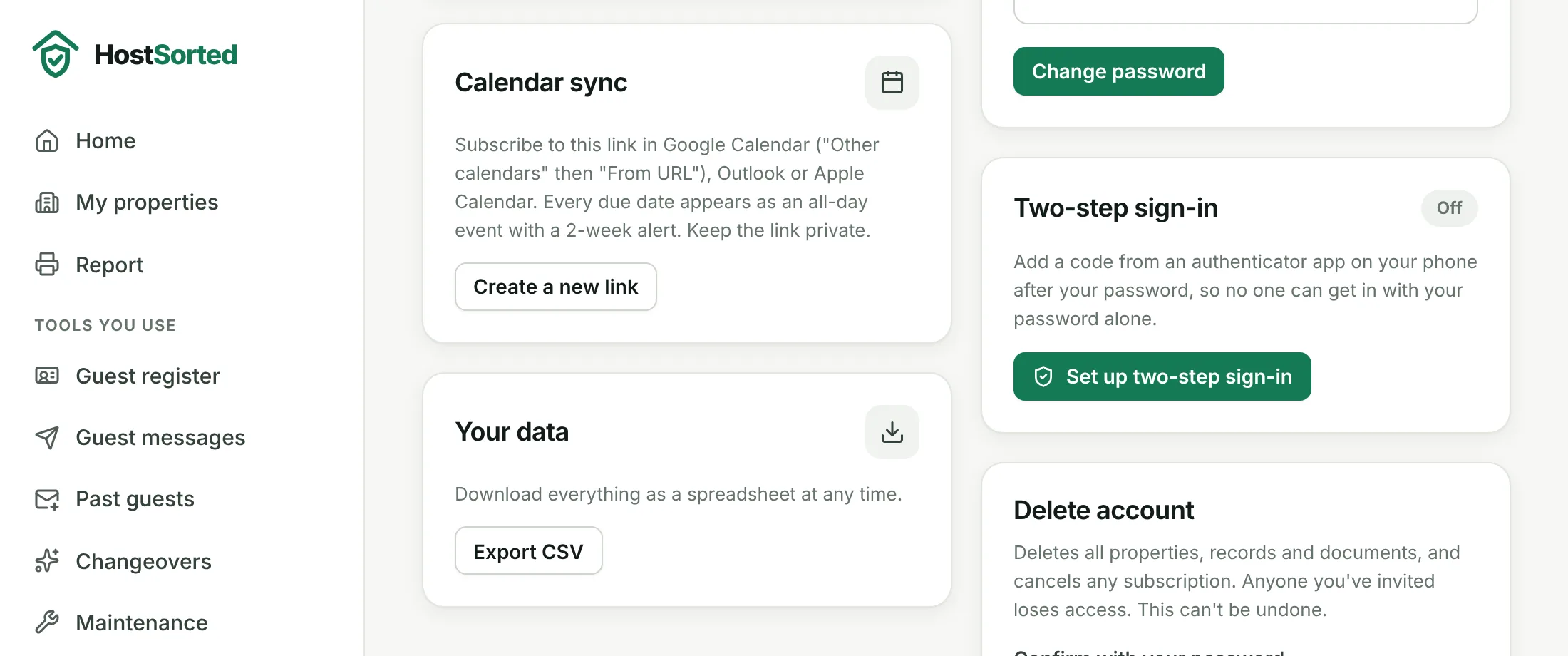
- Go to Account and find Calendar sync.
- Copy the link shown.
- In Google Calendar, choose Other calendars, then From URL, and paste it. In Outlook or Apple Calendar, add a subscribed calendar from a URL.
- Each due date appears as an all-day event with a reminder two weeks before.
Good to know
- Keep the link private. If you think it has been shared, click Create a new link and the old one stops working.
Screenshots show a sample account with made-up properties. Still stuck? Email [email protected] and we'll help.