Give property owners access
Owners get a read-only login for their own properties and a monthly report.
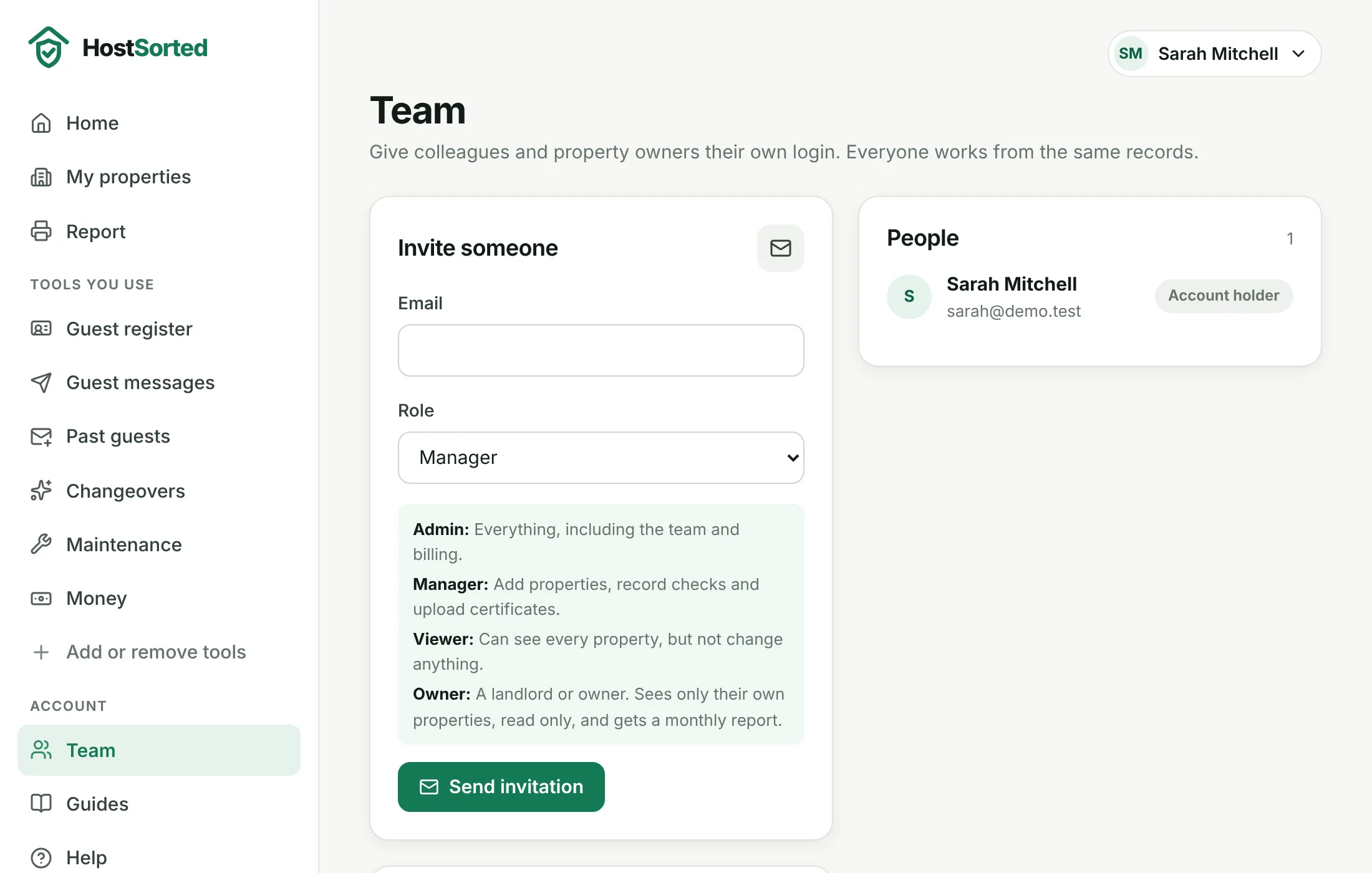
- Click Team and enter the owner's email.
- Choose the Owner role and tick the properties they own.
- Click Send invitation.
- Owners see only their properties, can download compliance packs and reports, and get a short compliance email at the start of each month.
Good to know
- Click Preview report next to an owner to see what they receive.
Screenshots show a sample account with made-up properties. Still stuck? Email [email protected] and we'll help.