Switch between accounts
If you belong to more than one team, choose which one you're working in.
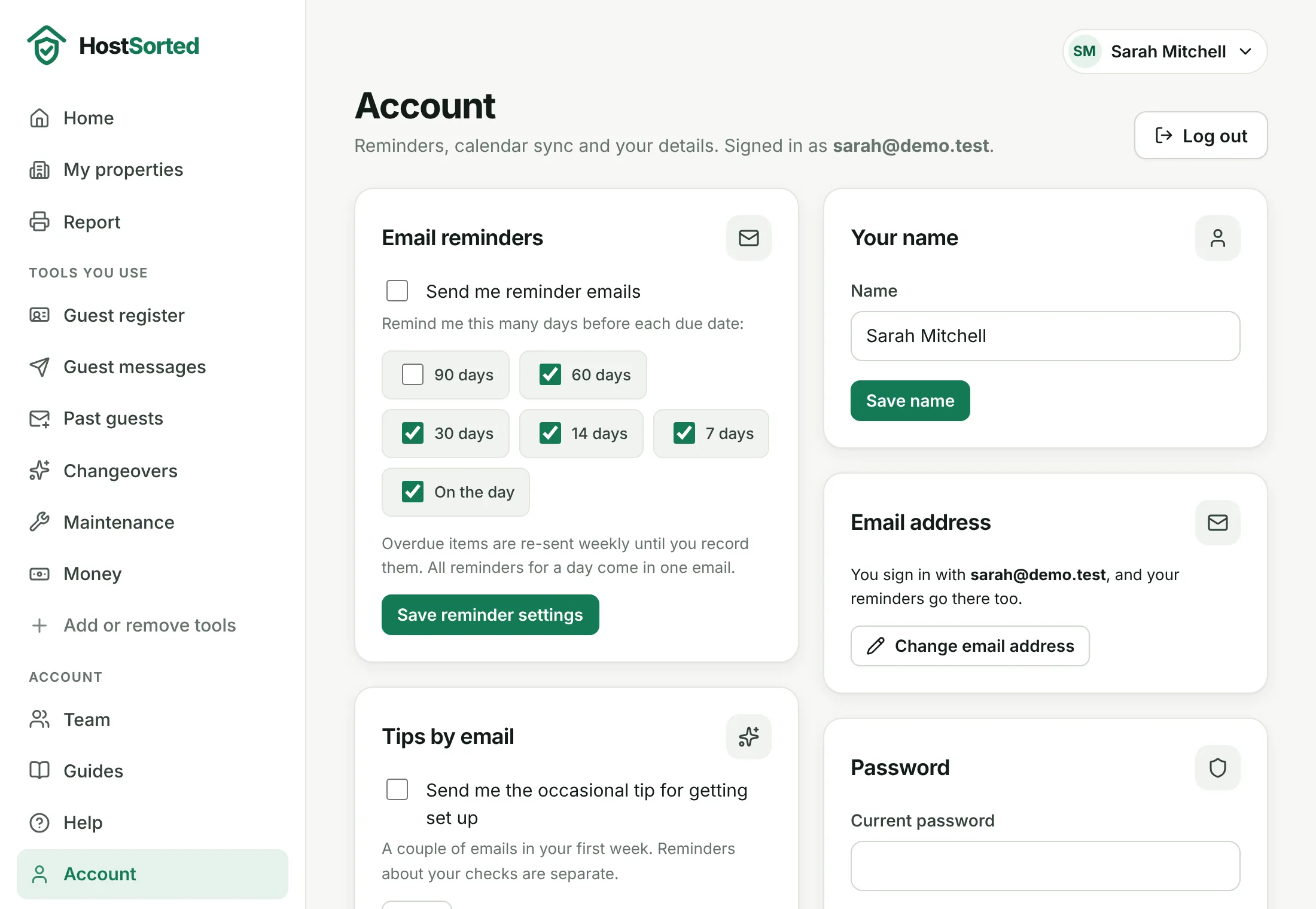
- Use the Working in box at the top of the sidebar.
- Pick your own account or any team you belong to. The whole app switches to that account.
Good to know
- To leave a team, go to Account and click Leave next to it.
Screenshots show a sample account with made-up properties. Still stuck? Email [email protected] and we'll help.