Log alarm tests and print a fire notice
Keep a dated record of alarm tests and put a fire action notice by the door.
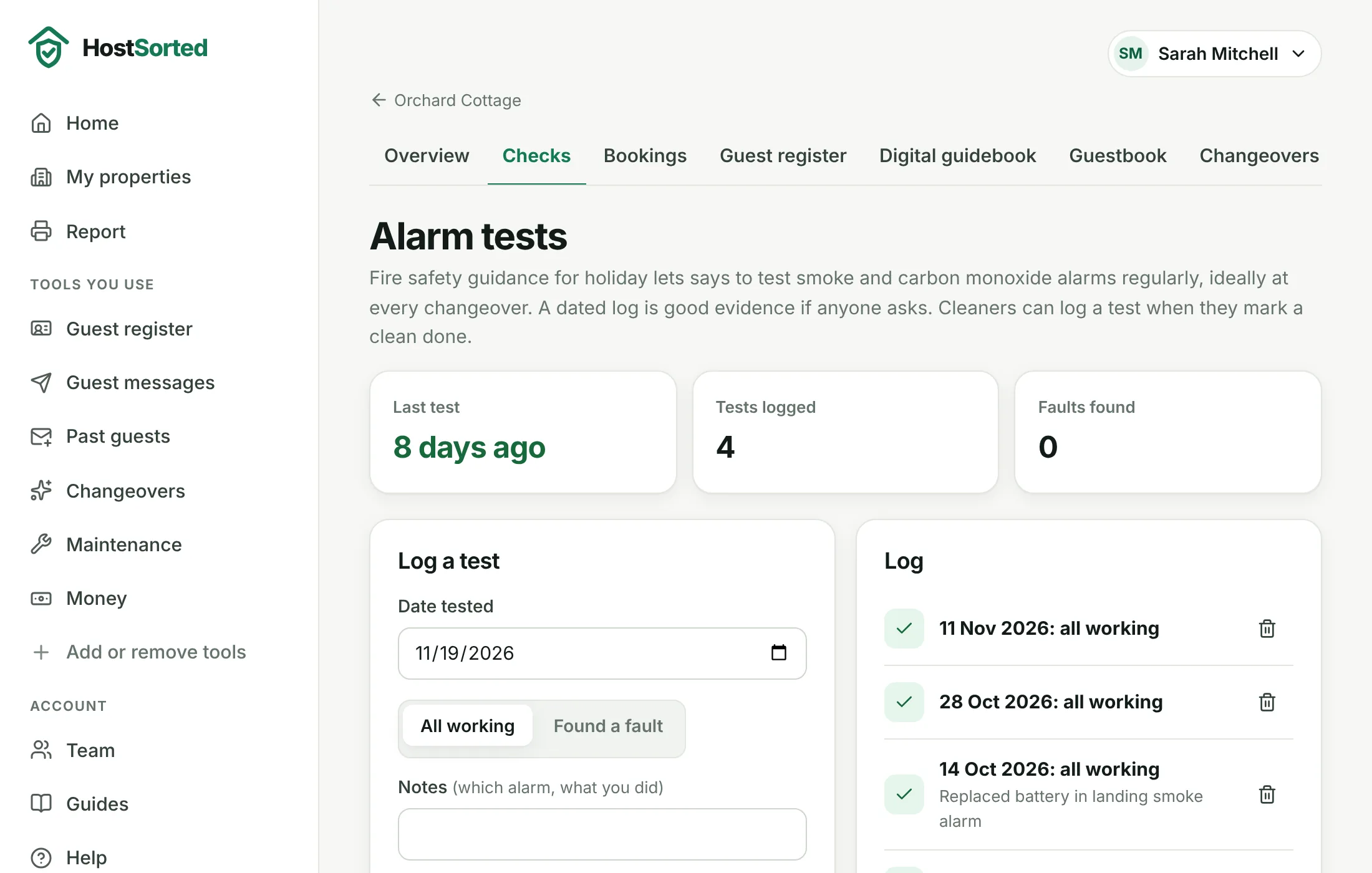
- On a property, open the Alarm tests tab, choose the date and result, and click Log test. A fault adds a job to Maintenance.
- Cleaners can log a test too, by ticking the alarms box when they mark a clean done.
- For the fire action notice, click Fire notice on the property page and print it. Ways out, the meeting point and equipment come from the safety section of your digital guidebook.
Good to know
- Both are things your fire risk assessment asks about. If you have not written one yet, click Risk assessments on the Checks tab.
Screenshots show a sample account with made-up properties. Still stuck? Email [email protected] and we'll help.