Ask guests to agree to your house rules
Guests tick each rule, confirm how many are coming and sign before they arrive.
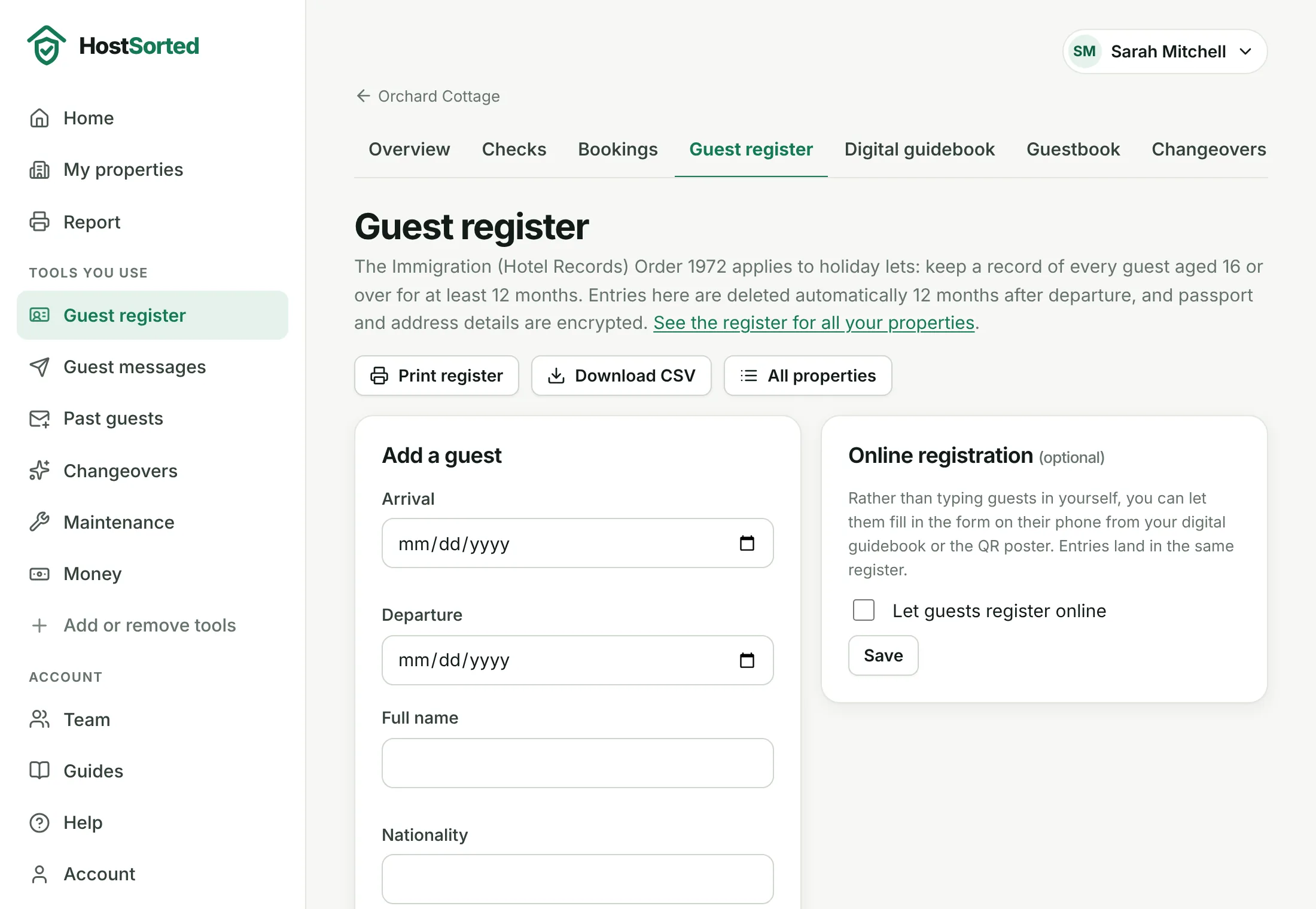
- On a property, open the Guest register tab and scroll to House rules agreement.
- Edit the rules (one per line), tick Ask guests to agree to the rules and click Save rules.
- Copy the link into your booking confirmation or check-in message. A button also appears on your digital guidebook.
- You'll see each agreement on the same page. If a guest says more people are coming than the property sleeps, we email you.
Good to know
- Agreements are kept for two years after the stay, then deleted.
- For Airbnb bookings made from 20 November 2026, keep the rules the same as your listing, with no fines, chores beyond light requests or extra terms. Airbnb's policy does not allow a separate contract as a condition of staying, so treat the agreement as an acknowledgement of your listed rules rather than something a guest must sign to get in.
Screenshots show a sample account with made-up properties. Still stuck? Email [email protected] and we'll help.